EXERCISE 6.6
MESH MOVE

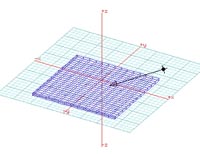
1.Draw an extruded rectangle, and make it into a MESH.

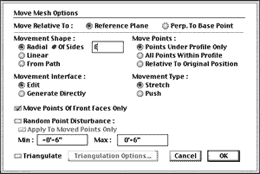
3. Double click on the move mesh button.
- Under MOVEMENT SHAPE select RADIAL.
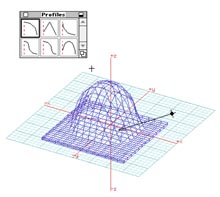
4. Open the PROFILES palette (the profile determines the shape of the mesh).
- Select a profile, then click on a mesh point.
- You will give a radius, then a height