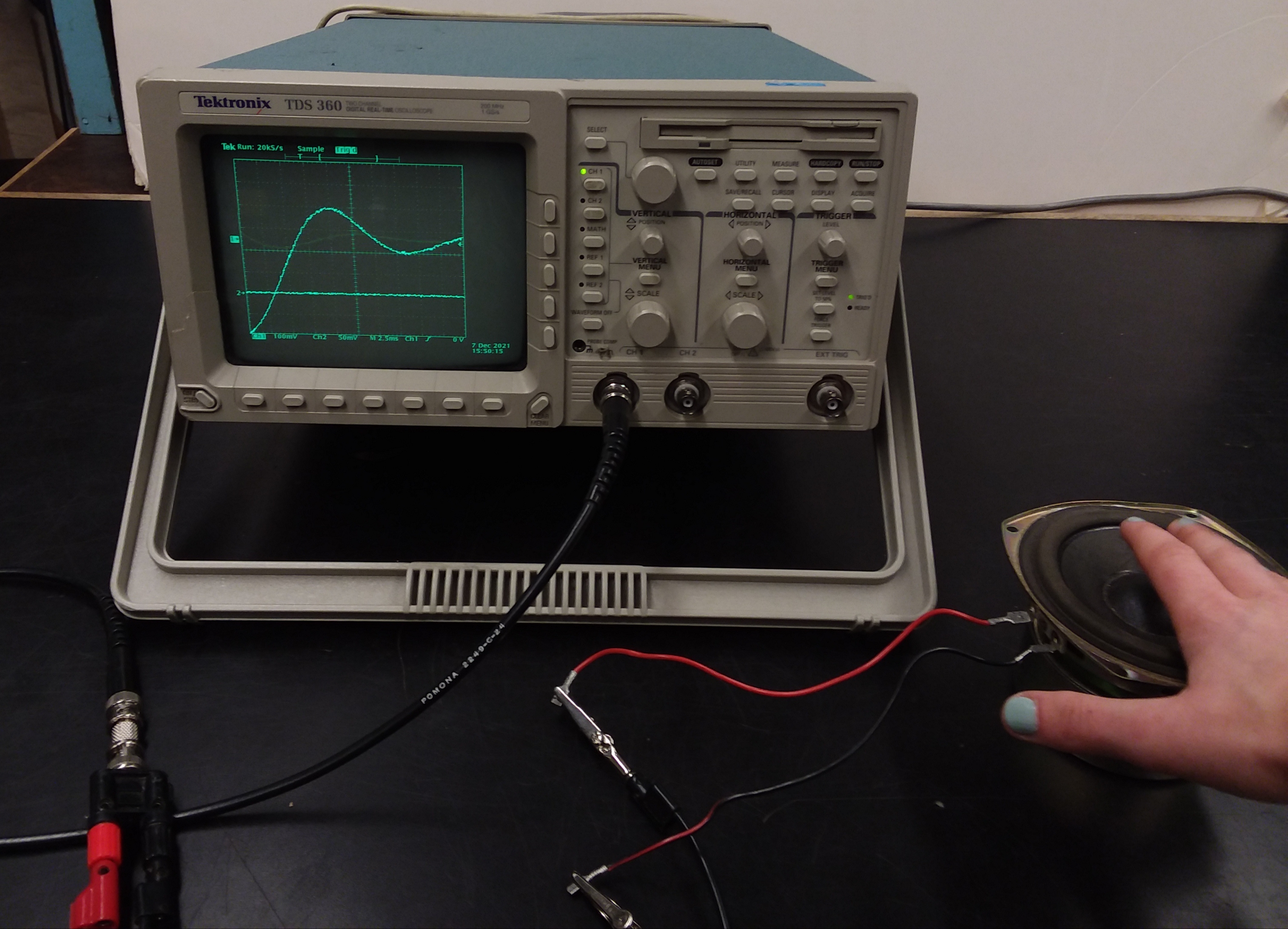
Show how a speaker can be used as a microphone by connecting it
to the oscilloscope! As shown in the photo, connect the two wires
from a speaker to the CH. 1 input on the oscilloscope using a BNC
cable. By tapping the speaker with your finger, you can see
waveforms similar to the one in the photo. You can also whistle,
yell, or sing into the speaker to show the waveform that your
voice makes. When doing this, you'll want to have the center of
the speaker very close to your mouth in order to pick up the
sounds.
To adjust the oscilloscope, you may have to fiddle around with the
"position" and "scale" knobs underneath the "Horizontal" and
"Vertical" panels on the front. Just keep tapping the speaker and
adjusting until you can see a clear and good-sized waveform on the
display.
Location: